
Sign up
Open your brokerage on Valentry.
Already on Valentry? Sign in to your brokerage
How onboarding works
From application to your own console.
Sign up
Your brokerage, your own details as its owner, and the address you want.
Verify your email
Open the link we send to confirm the address is yours.
We review
Valentry holds regulated client data, so every brokerage is checked before it goes live.
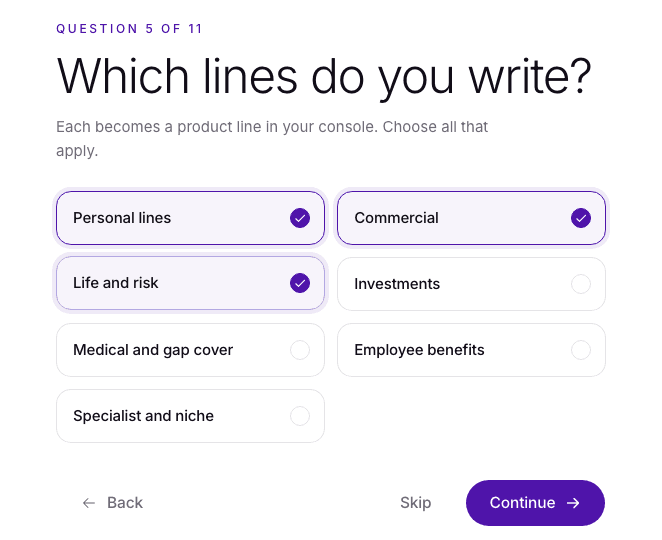
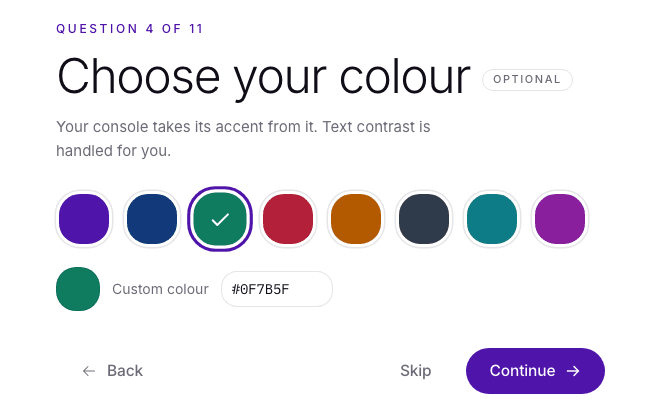
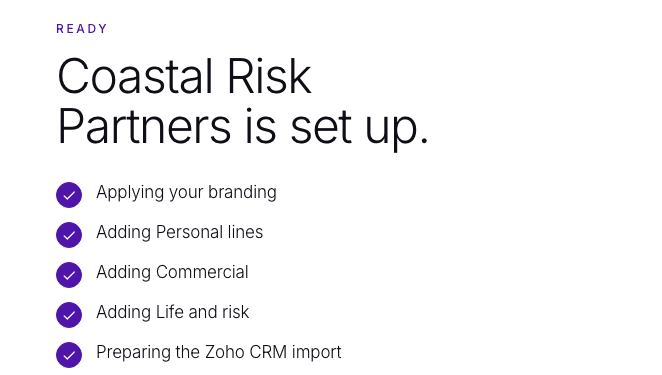
Set up your console
Eleven short questions: name, logo, colour, lines, team, reminders. It builds as you answer.
Seven days free
Choose a plan and add a card. R0 today. Cancel before day 7 and nothing is charged.

Before you start
Useful to have ready.
You can stop at any step and pick up later. Nothing goes live until it is approved.
Your brokerage's legal name
As it appears on your FSP licence.
Your FSP number
Recorded in your workspace's regulatory settings.
An address label
Lowercase letters, numbers and hyphens, starting with a letter. For example, smithbrokers.
Your logo and colour
Optional. The set-up wizard applies them to your console as you answer.
Who you will invite
The advisers and staff who will work in the console.
Seven days free. R0 today.
Ready when you are.
Apply now, or see the product on a call first. Pricing is per adviser seat, billed monthly in rand, and every brokerage starts with seven days free.
- Purpose-built for insurance
- Client data hosted in South Africa
- Human-reviewed AI